
Help
Find guides for getting started and using Trellis, answers to common questions, and a way to reach us if you need more help.
User guides
Getting started with your Trellis account

Can’t start Trellis? Check these 4 things first
Best practices for communicating about Trellis

4 tips to capture the learner's authentic views
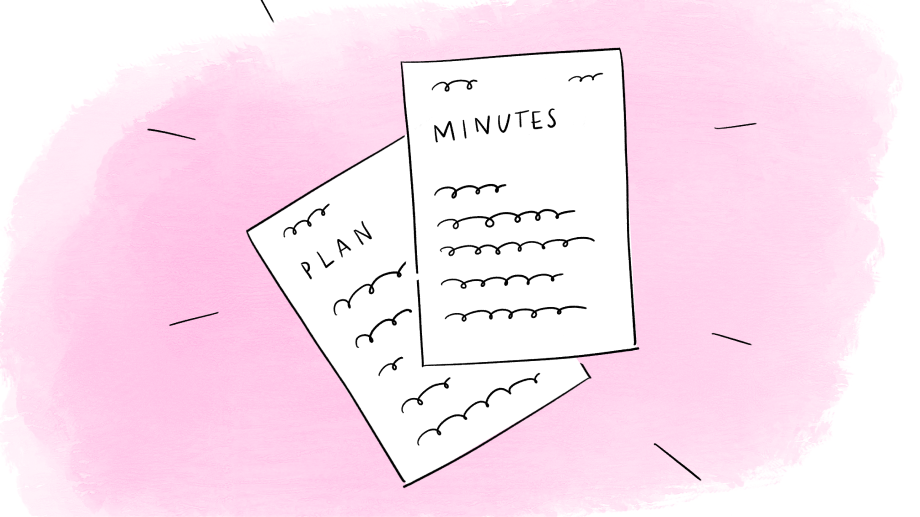
Top 7 things to watch out for in Trellis AI-generated documents
FAQs
Explore our frequently asked questions
You can print or save frequently asked questions to share with families, learners or your team. Click ‘Print or save PDF’ then follow the instructions in your browser.
About Trellis
Trellis is a digital tool that helps teachers and school staff to take notes during meetings about how to support learners with additional support needs (ASN). These meetings are often called “Team Around the Child” or something similar.
With permission from everyone in the room, Trellis records the meeting. It then helps create the paperwork that comes after, like Child’s Plans and meeting minutes.
If everyone agrees, Trellis records the meeting. Afterwards, it creates draft documents based on what was said.
A teacher then reviews and edits these drafts carefully. Nothing is shared without being checked by a person.
Trellis is funded by CivTech (a Scottish Government programme) and the Learning Directorate. The team behind it has built successful AI tools for the NSPCC and Citizens Advice Scotland. They have worked closely with teachers, Quality Improvement Officers, Education Scotland and others to design Trellis.
We really want to hear from you. You can use the feedback link in any documents you receive, or you can speak directly with your teacher or guidance staff. Your feedback helps us improve Trellis.
For teachers and practitioners
Meetings with learners, parents/carers, teachers and other professionals are important for planning the right support for children and young people. But writing up the paperwork after these meetings can take teachers hours.
Trellis helps reduce that admin time. This means teachers can spend more time supporting learners. It also helps make sure documents are clear, consistent, and follow good practice.
Teachers do not see or hear the recording. Teachers see the draft documents created from the recording. Only authorised staff involved in your family’s support can access these documents. They are stored in Trellis for 60 days.
Only Trellis engineers can access the recordings to help improve the tool. Our team have delivered similar technology to the NSPCC and Citizens Advice Scotland, and our machine learning engineer was a caseworker for 10 years previously.
The security of your data is a huge priority for us. Trellis has ISO 27001 and Cyber Essentials accreditations. All our data is stored on Microsoft Azure, in the UK South region. We’ve been mentored by the Information Commissioner’s Office and had regular reviews with a senior architect at Scottish Government Learning Directorate.
To get more technical:
Trellis operates on a "zero-trust" model. This means your data is tucked away in a private virtual network that has no direct connection to the public internet. Access is only possible through a secure Web Application Firewall (WAF) that monitors and blocks malicious traffic.
Trellis ensures data from different schools or Local Authorities never mixes. We use Row-Level Security (RLS) in our database and separate storage "silos" so that users can only ever see the information relevant to their specific organisation.
Your data is encrypted while it’s moving (in transit) and while it’s stored (at rest). Even our internal services talk to each other using encrypted channels.
It means that while Trellis does the heavy lifting of drafting, the teacher is always the decision-maker. We view AI as a "talented intern": it is excellent at organising notes and creating first drafts, but it lacks your professional intuition and lived knowledge of the child. We have designed Trellis so that no document is ever "final" until a human reviews, edits, and approves it. This principle is baked into our software interface, our training modules, and our ethics, ensuring that technology supports your expertise, but never replaces your voice.
Don’t be mistaken: we are not just "another AI slop company" churning out generic summaries. We know that in Special Educational Needs, a vague document is a useless document – and potentially dangerous, too. That’s why Trellis is built on domain-specific expertise. Our quality is overseen by a former SEND administrator who ensures our AI understands the nuances of education. By combining expert-led tuning with your final "Human-in-Command" review, we ensure every draft is precise, professional, and truly fit for purpose.
No. Trellis is currently free for Scottish councils during the pilot, with thanks to funding from CivTech and the Scottish Government Learning Directorate.
Yes – here’s our clickable demo.
You can speak with your teacher or the school office. You can also contact the Trellis team directly at support@trellis.scot
For families and learners
Yes. Keeping your information safe is our top priority:
We store all information securely in the UK using trusted Microsoft technology.
The app follows UK government rules to keep information safe. We hold the ISO 27001 certification that shows we manage personal data carefully, securely and to an international standard.
Trellis follows GIRFEC (Getting It Right For Every Child), which means we put learners’ wellbeing and rights at the heart of everything we do.
Experts from the Information Commissioner’s Office Innovation Hub have helped guide Trellis to make sure it protects personal data properly.
Absolutely. Before any recording starts, the teacher will ask if everyone is OK with it. If anyone says no, the meeting will go ahead with manual note-taking instead. There’s no pressure to agree.
No. Trellis does not make decisions – people do.
Trellis is like an assistant. It helps with note-taking and drafting documents. Teachers and other professionals are still fully responsible for all decisions about support and next steps.
Trellis lets teachers focus more on the conversation, rather than writing everything down. But teachers still check and edit every document before it is finalised, just like they would with handwritten notes.
If you come to the meeting, the things you say will be written down in the right part of the document.
If you don’t attend the meeting, the teacher will fill in this section based on their conversations and interactions with you. This happens with or without Trellis.
No. Trellis is just a tool to help with paperwork. The support you receive, how decisions are made, and who's involved in those decisions all stay the same.
Easy-read FAQs for learners
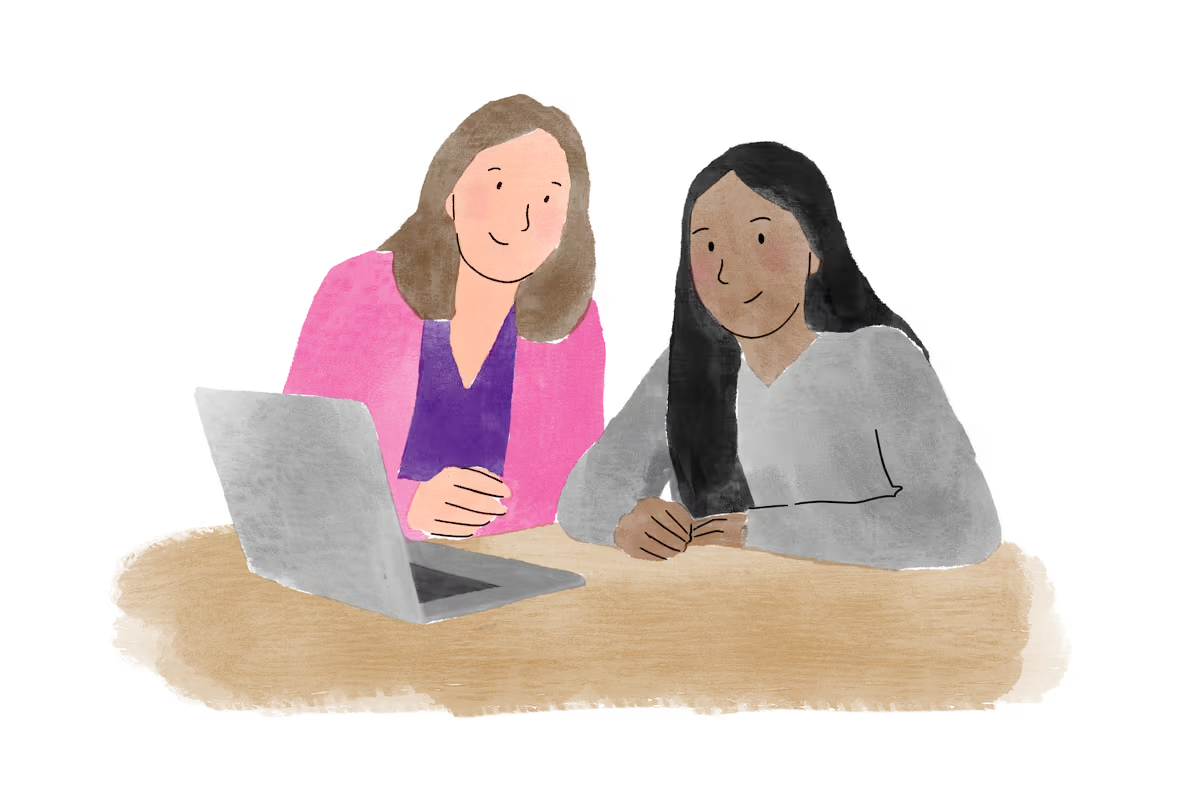
Trellis is a digital helper for your teacher. It listens to school meetings and helps write down your school plan. It gives your teacher more time to help you.

No. You don't need to do anything new. Your school days, your lessons, and the way you talk to your teachers will stay exactly the same.

Yes. Your voice is the most important part. Everything you say in the meeting goes into your plan so everyone knows how you feel.
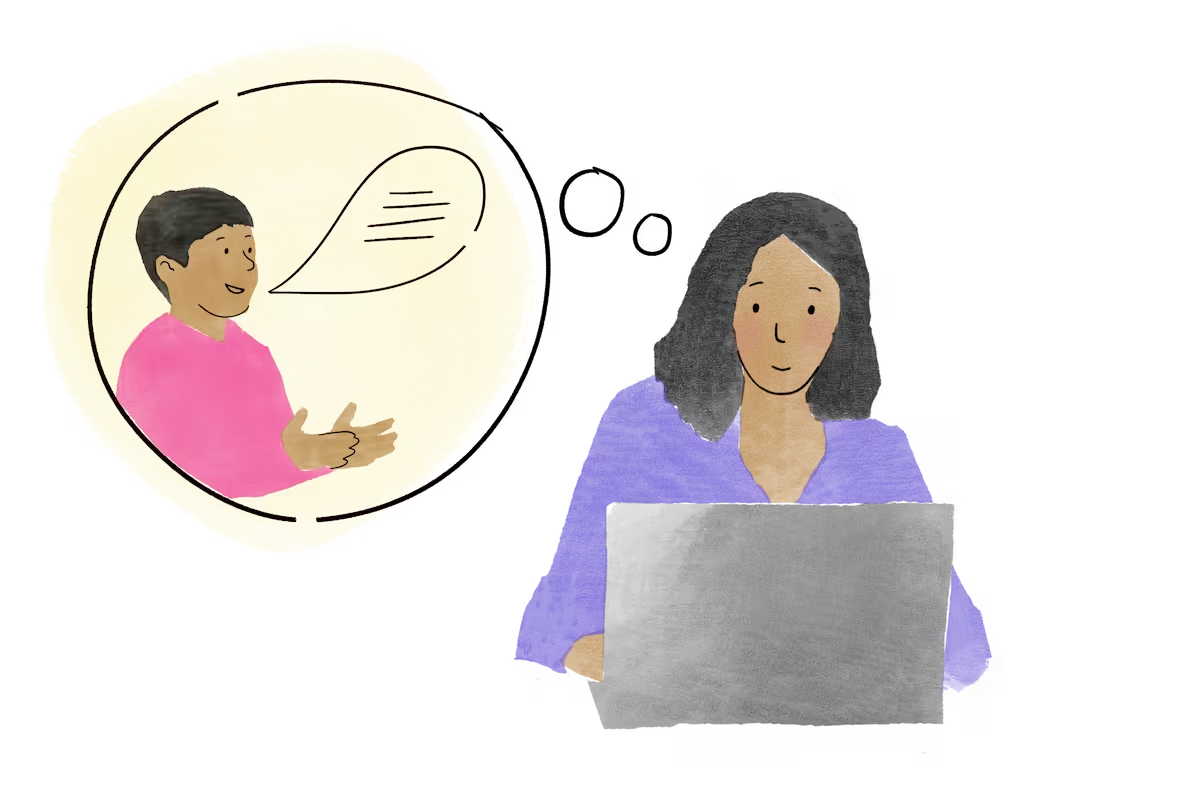
Your teacher will still include your ideas. They will use the chats you have already had together to update your plan.

No. Computers never make decisions. Only people do. Your teachers are always the ones in charge. They decide the best ways to support you.

Only if you say yes. If you, or anyone else, says no, the teacher will just write notes with a pen. You can ask to stop the recording at any time.
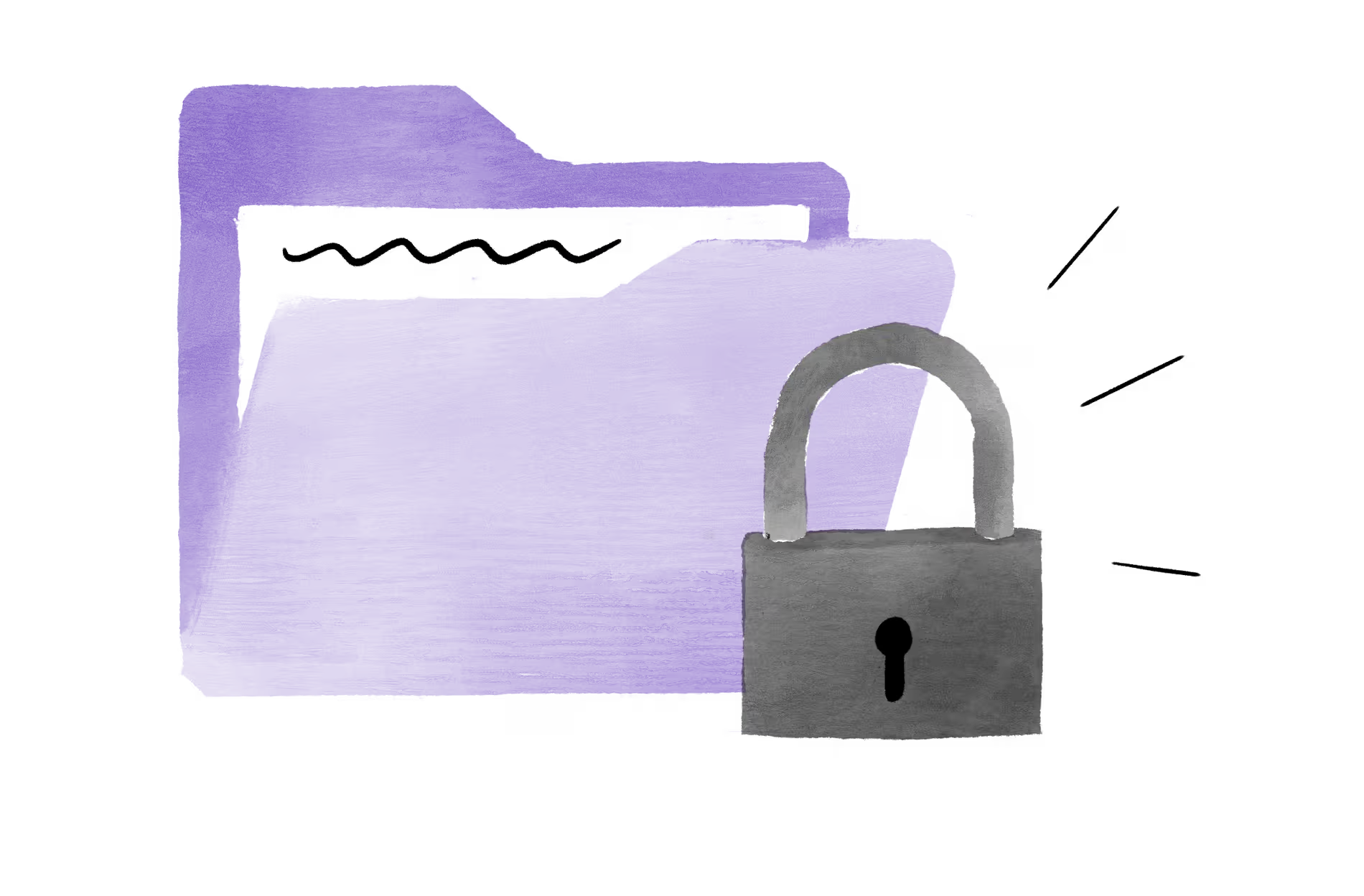
Yes. Your notes are locked away in a safe digital space. They are never put on the public internet, and no strangers can see them.

Trellis follows rules designed to protect all children. This means your teachers must always make sure you are safe, healthy, listened to, and happy.

Please tell us! Talk to your teacher or any adult you trust at school. We want to make sure you feel happy and comfortable.
Our commitment

At Trellis, we know that behind each file lies someone's life, story and trust. We treat that trust as a privilege, one that guides every decision we make about artificial intelligence and information handling.
Find out more about our AI ethics below.
Contact us
We're here to help! Get in touch using the details below or fill out the form.
Email: support@trellis.scot
Phone: 0141 459 1348