
4 tips to capture the learner's authentic views
1. Record the learner’s voice with Trellis
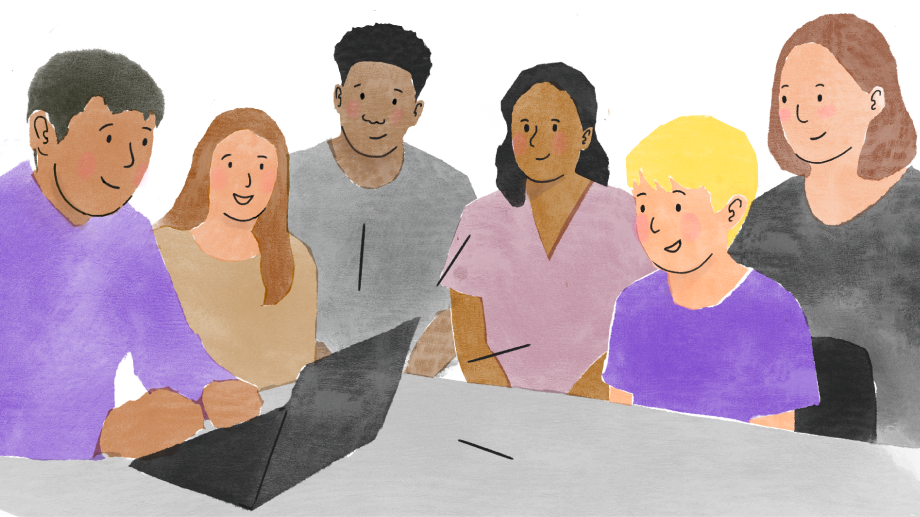
The learner participating in the meeting itself is the most direct way of ensuring their voice is captured. You might want to place the recording device closer to them, if they’re likely to speak more quietly compared to other attendees.
Sometimes, you might meet with the learner 1-1 just before the TAC meeting. You could record this 1-1 chat with Trellis, then hit pause while the learner leaves and other attendees arrive, then resume the recording.
Afterwards, make sure to edit the output carefully to ensure the learner’s views are captured accurately. (We have another article with tips on reviewing and editing Trellis AI-generated documents.)
2. Read out notes from a 1-1 chat
We’ve heard that staff often have their 1-1 chat with the learner a day or two before the Team Around the Child meeting. They usually take detailed notes, and have these to hand during the TAC meeting.
If so, we recommend reading these notes out in full while Trellis is recording. This has two benefits: (a) everyone in the room gets the same information as whoever held the 1-1 chat, and (b) Trellis records the learner’s views as part of the meeting transcript.
3. Play an audio clip
Some Trellis users have told us that they record the 1-1 chat with the learner via a voice memo or video. They have sometimes played this out loud during the TAC meeting, for all attendees and Trellis to hear - which has worked well so far.
4. Use the input textbox
We now have the option for you to add “Views of the learner” and “Views of the parent/carer” by copy-pasting text or typing into a textbox in Trellis. This is particularly useful where you’ve typed up detailed notes separately, or received an email, and you want this content to be captured verbatim.
If you have any feedback or questions about using Trellis, contact support@trellis.scot or 0141 459 1348. Parents, carers and learners can provide anonymous feedback via https://forms.gle/Ki8Jy5oaWcLSmyDz5

More resources

Getting started with your Trellis account
Best practices for communicating about Trellis
Can’t start Trellis? Check these 4 things first


© Trellis 2026 | Company no. 16500654